



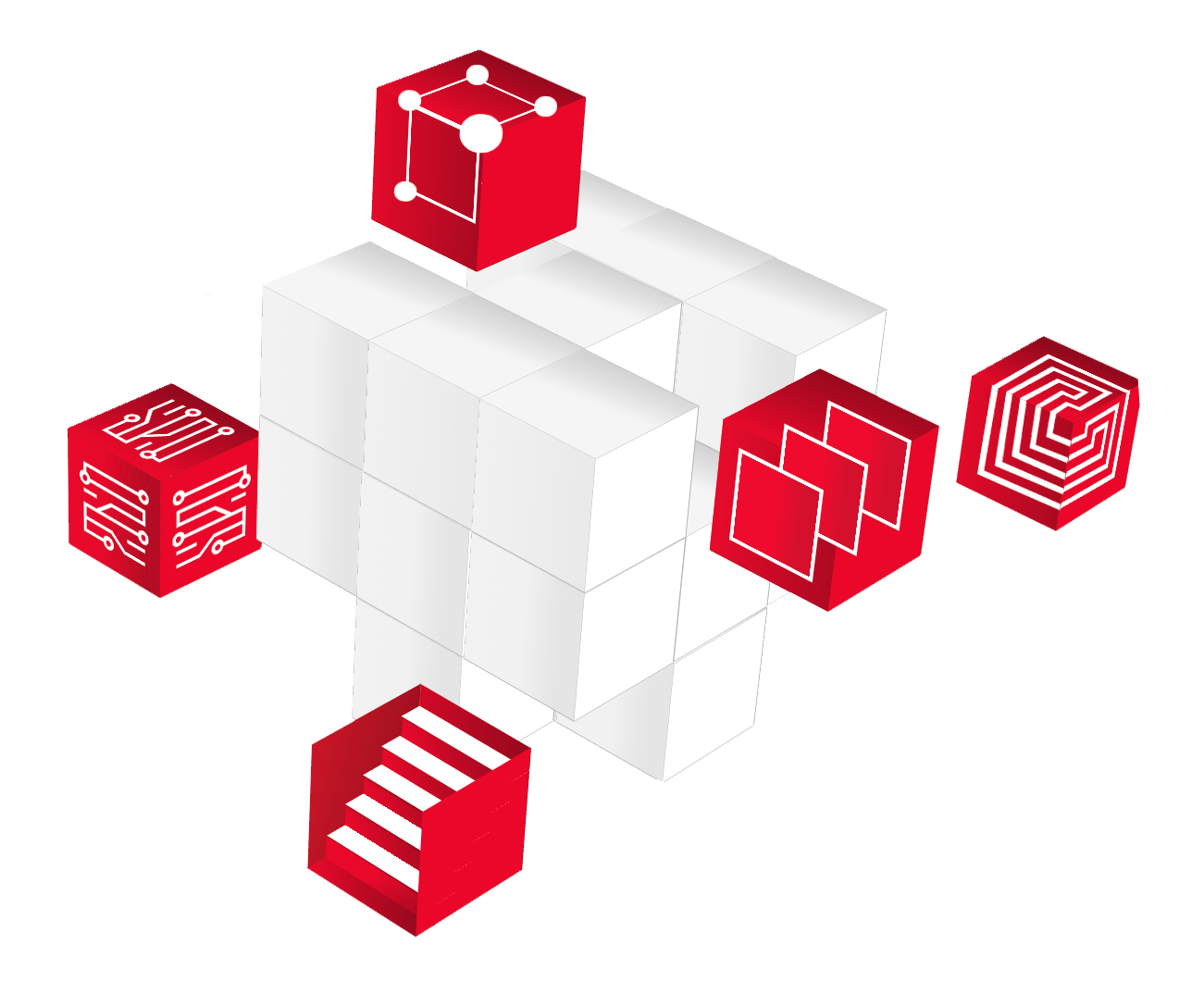
Connected Services Tailored to Your Business
Each of our managed services addresses fundamental needs in core areas of your business. Together, they build off of one another to elevate the entirety of your organization from its foundation.
Managed IT
Get your internal systems running at their most efficient, improve productivity, and reduce frustrating downtime. Professionalize your IT to get the most modern technology supported 24/7 by a deep team of experts dedicated to keeping your business running smoothly.
Explore Managed IT
Digital Transformation
Discover creative, technology-based solutions to your most complex problems. Let our experts help you transform the way you operate and remove the roadblocks obstructing your growth.
Explore Managed Digital Transformation
Marketing
Your customers are telling you what they want. Are you listening? Effective marketing is about collecting data, analyzing customer responses, and connecting with your ideal audience at the right time, in the right place.
Explore Marketing
Cybersecurity
Be proactive and stay secure against evolving cyber threats. Mitigate the risks of an attack with cybersecurity services managed by a team of experts to help you identify and strengthen your weaknesses and monitor your network for signs of an attack.
Explore Cybersecurity
Print Services
Modernize your office environment and optimize the way you manage your business’ printing with the help of a team of specialists. Get the best, most reliable machines, serviced by experts, to print more efficiently than ever.
Explore Print & Documents
